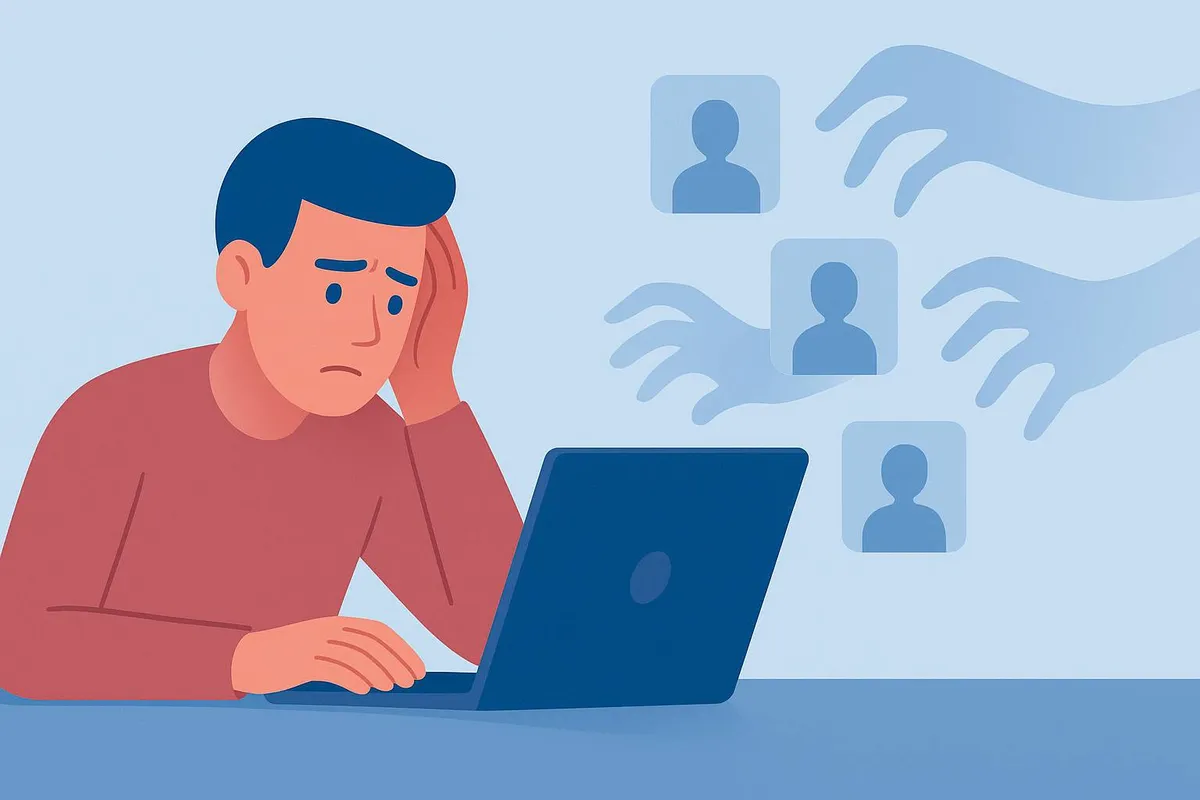
Most people manage passwords through a combination of memory, reuse, and guessable variations. The same core password appears across multiple accounts, with minor modifications that offer little practical protection. When any one of those accounts is involved in a data breach, attackers test the compromized credentials against other services automatically and at scale.
A password manager solves this by making it practical to use a genuinely unique, randomly generated password for every account. The manager stores and fills them. The user remembers one strong master password.
What this covers:
Why password reuse is a genuine security risk
What a password manager does and how it works
How encryption protects your stored passwords
How to get started
Choosing a reputable password manager
Why Password Reuse Is the Problem
If a website you have an account on is compromized, the attacker obtains a list of email addresses and passwords. Many of those passwords are hashed, but weak hashes are crackable and some sites store passwords poorly.
Regardless of the hash, attackers run a process called credential stuffing: they take the email and password combinations and test them automatically against hundreds of other services. A password leaked from a minor shopping site can unlock an email account, a bank login, or a social media profile if the same credentials are used there.
The problem with trying to use unique passwords without a manager is that genuinely random passwords are impossible to memorize at scale. The result is predictable variations: the same base password with a number or symbol added, or the same few passwords rotated across different sites. Both approaches fail when credentials are exposed.
What a Password Manager Does
A password manager is a secure, encrypted store for credentials. You enter or import your logins, and the manager fills them when you visit the corresponding sites. For new accounts, it generates a random password (typically something like x7#mK2qP@nZvR5) that you never need to see or remember.
Beyond storing and filling passwords, most managers include:
A password generator that creates strong, random passwords on demand
Syncing across devices so the same vault is available on a phone, laptop, and tablet
Breach monitoring that alerts you if credentials you have stored appear in known data breaches
Secure storage for other sensitive information: payment cards, passports, secure notes
How the Encryption Works
The concern with storing all passwords in one place is reasonable, but the security model addresses it directly.
Password managers use a zero-knowledge architecture. Your vault is encrypted locally using your master password before it is stored anywhere. The encryption key is derived from your master password, which only you know. This means the company operating the service cannot read your data, and neither can anyone who breaches their servers. What they would obtain is encrypted data that is computationally infeasible to decrypt without the master password.
The practical implication: the master password is the single point of failure. It should be long, random, and not reused anywhere else. A passphrase of four or more unrelated words is both strong and memorable: something like coffee rainbow window forest is significantly stronger than a typical password and easier to remember.
The second layer of protection is enabling two-factor authentication on the vault itself, so that even if someone obtains the master password, they cannot open the vault without the second factor.
How to Get Started
Choose a password manager. Well-regarded options include:
Bitwarden: open source, free tier is fully functional, paid tier adds a few extras. The open-source code has been independently audited.
1Password: polished interface, strong security model, family and team plans available. Paid only.
Dashlane: good usability, includes a VPN in paid tiers.
KeePassXC: fully open source and offline, for users who prefer not to store data in the cloud. Requires more manual management.
Bitwarden is a strong starting point for most people given its free tier and audited codebase.
Create a strong master password. Use a passphrase you can remember but that is not based on personal information. Write it down and store it somewhere physically secure (not digitally) until it is memorized. Losing the master password means losing access to the vault.
Import or add your logins. Most password managers can import from browsers or other managers. As you log in to sites normally, the manager will offer to save each login. Adding them incrementally over a few days is a practical approach.
Replace weak or reused passwords. Most managers include a security report or dashboard showing which stored passwords are reused, weak, or have appeared in breaches. Working through this list and updating passwords using the generator is the step that provides the most immediate security improvement.
Enable two-factor authentication on the vault. An authenticator app is the recommended method. This protects the vault even if the master password is somehow compromized.
What to Do About Existing Passwords
A common concern is the migration effort: what about the dozens of accounts already using old passwords?
The practical approach is not to update everything at once, which is daunting, but to update passwords opportunistically. Each time you log in to a site, let the manager save the login, then update the password to a generated one. The security report in the manager shows which accounts still need updating. Over a few weeks, the most frequently used accounts will be updated and the rest can be done gradually.
Key Takeaways
Password reuse is the primary reason one compromized account leads to others being accessed. Unique passwords for every account prevent this.
A password manager makes unique, random passwords practical by storing and filling them automatically.
The zero-knowledge encryption model means neither the provider nor an attacker who breaches the provider's servers can read your stored passwords.
The master password is the single point of failure. Make it long, keep it private, and back it up physically.
Enable two-factor authentication on the vault as a second layer of protection.
Bitwarden is a reputable free option with an audited open-source codebase and a fully functional free tier.
Conclusion
A password manager is one of the most effective single security improvements available to most people. It eliminates password reuse, generates strong credentials automatically, and monitors for breaches. The setup takes less than an hour, and the ongoing effort is minimal once the habit is established.
The alternative, managing passwords through memory and guessable variations, is a practical limitation that attackers account for and exploit. A password manager removes that limitation.
Already using a password manager and have a tip for someone just getting started? Share it in the comments.