Every website visit these days comes with a banner asking about cookies. Most people click "Accept" without reading it. Understanding what cookies actually are and what the different types do makes it easier to make an informed choice rather than a reflexive one.
This guide explains cookies in plain language: what they are, which types affect your privacy and which do not, how to manage them, and why those banners exist in the first place.
What this covers:
What cookies are and how browsers store them
The four main types of cookies and what each does
Whether cookies are harmful
How cookies affect your privacy
How to manage or delete cookies in major browsers
Privacy laws and why consent banners exist
What Cookies Are
A cookie is a small text file that a website saves to your browser when you visit. It contains a piece of information the site wants to remember: that you are logged in, what is in your shopping cart, which language you prefer, or simply that you have visited before.
When you return to the site, your browser sends the cookie back. The site reads it and picks up where things left off. Without cookies, every page you visit would treat you as a stranger. You would be logged out the moment you clicked to a new page. Your cart would empty. Your settings would reset.
The coffee shop analogy is useful here: a cookie is like a regular customer card. The barista notes your usual order so you do not have to repeat it every visit. The card itself does not do anything harmful. The question is what the shop does with the information on it.
The Four Main Types of Cookies
Essential cookies make the website function. They keep you logged in as you navigate between pages, maintain your session on a banking site, and preserve what is in your cart. They cannot be turned off without breaking the site. No consent is legally required for these because they are necessary for the service to work.
Functional cookies remember preferences: your chosen language, whether you have enabled dark mode, your location setting. They make the site feel personalized without being used for tracking. They are not harmful but are optional.
Performance cookies track how visitors use the site: which pages they visit most, how long they stay, where they click. This data goes to the site's own analytics (often Google Analytics) and is used to improve the site. The data is typically aggregated and not linked to personal identity.
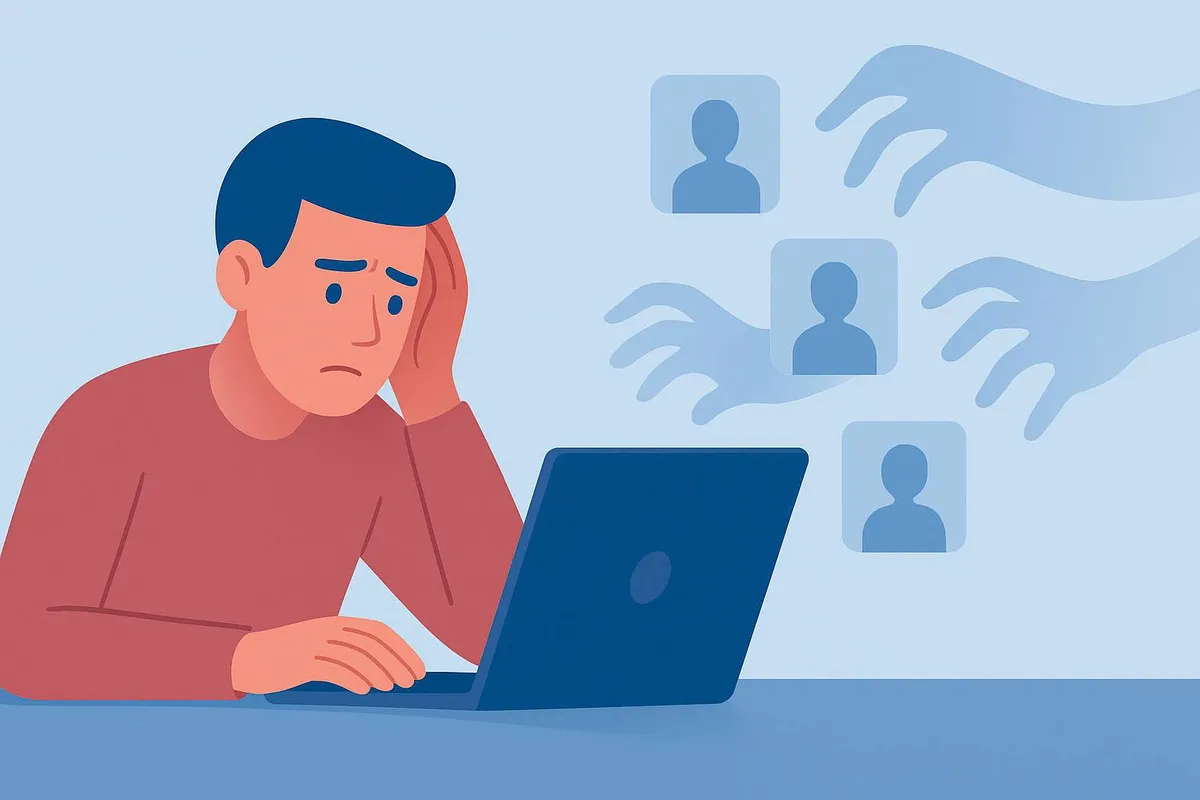
Advertizing and tracking cookies are set by third parties, not the site itself. They track your behavior across multiple websites to build a profile of your interests. An advertizing network that places a tracking cookie on a news site can recognize you on a shopping site, a travel site, and a social media platform, connecting those visits into a detailed picture of your browsing habits. This profile is used to show you targeted advertizing and can be shared with data brokers. This is where the genuine privacy concerns lie.
Are Cookies Harmful?
Cookies as files are not harmful. They cannot execute code, they cannot access your files, and they cannot install anything on your device. A cookie is just a text string.
The concern with cookies is not the files themselves but what they enable. Advertizing and tracking cookies enable surveillance of your browsing behavior across the web. The more sites an advertizing network appears on, the more complete a picture it can assemble. That data is used commercially: to target advertizing, to segment audiences, and in some cases to be sold to third parties.
Essential and functional cookies do not carry these concerns. A cookie that keeps you logged in to your email is doing something you want. A cookie placed by an advertizing network you have never heard of, tracking where you go across dozens of sites, is a different matter.
How Cookies Affect Your Privacy
When you click "Accept All Cookies," you are typically consenting to three categories beyond the essential ones: functional cookies, performance cookies, and advertizing cookies. The advertizing cookies are the ones most worth considering.
What advertizing cookies can collect includes: the pages you visit and how long you spend on them, your approximate location based on your IP address, your device type and browser, your search terms on sites that share that data, and the products you view without purchasing.
This information is not usually tied to your name directly, but it can be linked to a persistent identifier that follows you across sites. Over time, the profile becomes detailed enough to infer things about your income, health interests, political views, and personal habits.
For most everyday browsing this is low-stakes. For sensitive topics, medical research, or financial research, it is worth being more deliberate about which cookies you accept.
How to Manage Cookies
In your browser settings: Every major browser lets you view, delete, and block cookies.
In Chrome: Settings, then Privacy and Security, then Cookies and other site data. In Firefox: Settings, then Privacy and Security, then Cookies and Site Data. In Safari: Preferences, then Privacy, then Manage Website Data.
You can delete all cookies, delete cookies from specific sites, or block third-party cookies entirely. Blocking third-party cookies is the most effective browser setting for limiting cross-site tracking without breaking most sites.
Private or incognito mode: Cookies set during a private browsing session are deleted when the window closes. This is useful for one-off logins, price comparisons, or any session where you do not want a persistent record. It does not make you anonymous on the network, but it does prevent cookies from persisting between sessions.
Cookie consent banners: When you see a cookie banner, "Manage Preferences" or "Customize" gives you the option to accept essential cookies only and decline advertizing and tracking cookies. This is worth the extra two seconds compared to accepting everything. Many sites also have a "Reject All" option that declines everything except essential cookies.
Browser extensions: uBlock Origin, Privacy Badger, and similar extensions automatically block tracking cookies and advertizing networks across all sites. These are effective if you want protection without managing cookie settings site by site.
Why the Banners Exist
Cookie consent banners are a product of privacy legislation, primarily the GDPR in Europe and the CCPA in California. Both laws require websites to disclose what data they collect, obtain meaningful consent before setting non-essential cookies, and give users the ability to opt out.
The legal requirement explains why the banners are so ubiquitous. Any site with visitors from Europe or California must comply, and most large sites have a global audience. The quality of the consent experience varies: some sites make it easy to decline, others use dark patterns (small "reject" buttons, pre-ticked consent boxes, confusing layouts) to nudge users toward accepting everything.
If a consent banner does not offer a clear way to decline non-essential cookies, that is worth noting as a red flag about the site's approach to privacy.
Key Takeaways
Cookies are small text files saved by websites to remember information about your visit or preferences.
Essential cookies are necessary for sites to function and are not a privacy concern. Advertizing and tracking cookies follow your behavior across sites and are the ones worth managing.
Cookies cannot harm your device or access your files. The concern is what the data they enable is used for.
Blocking third-party cookies in browser settings or using a browser extension like uBlock Origin significantly reduces cross-site tracking.
Cookie consent banners exist because of privacy laws requiring consent for non-essential cookies. Using "Manage Preferences" to accept only essential cookies is a practical habit.
Conclusion
Cookies are not inherently problematic. The ones that keep you logged in and remember your preferences are doing exactly what you want them to do. The tracking cookies placed by advertizing networks you have never interacted with are a separate category, and the consent banner is the mechanism for distinguishing between the two.
A few seconds on the next cookie banner to select "essential only" is a straightforward way to reduce unnecessary data collection. That, combined with blocking third-party cookies in browser settings, covers most of the practical risk without meaningfully affecting the browsing experience.
Have a question about a specific type of cookie behavior you have noticed? Leave it in the comments.